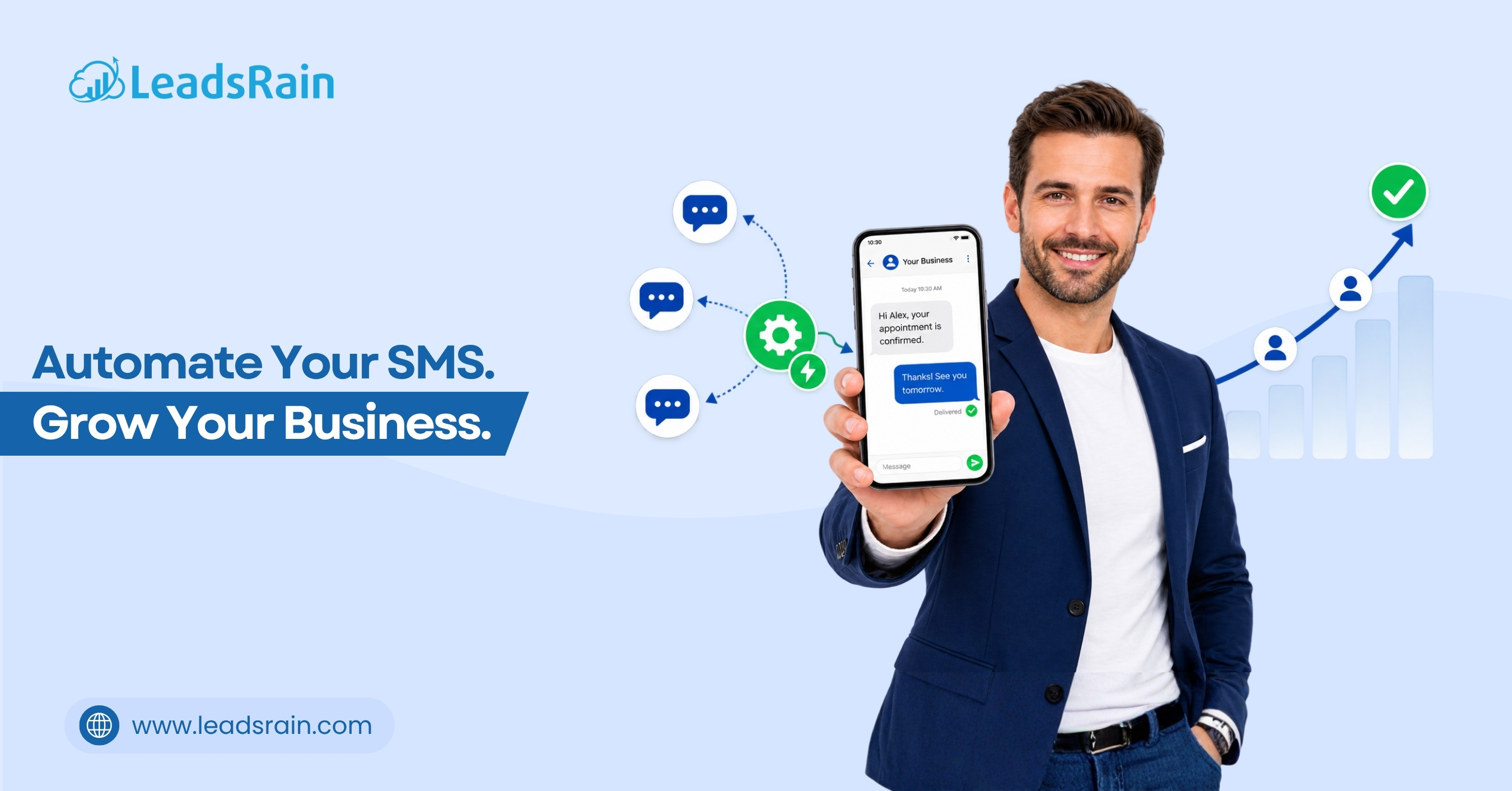
Local businesses see ninety eight percent SMS open rates but waste the channel on one-off broadcasts that require manual tracking and staff intervention. Automated workflows replace guesswork with lifecycle sequences that book appointments, capture reviews, and recover lost leads while technicians focus on service delivery.
The workflow matrix approach groups fifteen proven automations by customer journey stage, ensuring every message aligns with intent, timing, and compliance requirements. Trigger-based routing eliminates delayed follow-ups, reduces opt-out fatigue, and scales predictable booking pipelines without adding headcount.
This article covers acquisition, conversion, retention, and reactivation workflows, outlines the technical infrastructure required for reliable execution, details compliance safeguards that protect sender reputation, and provides a thirty day phased rollout plan for local service businesses ready to automate SMS at scale.
How To Map SMS Workflows To The Local Customer Journey
SMS automation succeeds when triggers align with actual customer behavior rather than marketer convenience. Lifecycle mapping ties keyword opt-ins, missed calls, booking events, and service milestones to automated message sequences that require zero manual intervention. When workflows fire at contextually relevant moments, engagement shifts from passive reception to active two-way participation.
Local businesses that deploy workflow-based messaging instead of broadcast campaigns see higher reply rates, lower opt-out frequency, and predictable appointment pipelines. Every text arrives precisely when the customer is evaluating options, scheduling maintenance, or reconsidering a delayed decision, turning automated routing into a revenue engine.
Acquisition & Lead Capture Workflows (Workflows 1–4)
Capture high-intent inquiries instantly by replacing static forms and voicemail queues with automated two-way qualification sequences. These workflows filter serviceability, confirm interest, and route ready-to-book contacts to live dispatchers without manual data entry.
- Keyword Opt-In + Zip Validation Flow triggered by ad or website CTA instantly replies to service keyword, captures zip code, validates against service map, and routes qualified leads to booking link while auto-tagging unqualified contacts.
- Missed Call Text Back Sequence activates within sixty seconds of unanswered calls, sends immediate acknowledgment with two scheduling options, logs interaction in CRM, and escalates to on-call dispatcher if customer replies outside standard options.
- Web Form To SMS Handoff fires when form submission completes, replaces delayed email confirmations with instant text asking for preferred time window, syncs response directly to calendar system, and eliminates duplicate data entry.
- Ad Click To Instant SMS Nurture routes paid traffic to mobile-optimized landing page with single-tap opt-in, triggers two-step qualification flow capturing service type and timeline, and auto-assigns high-priority leads to live agent queue.
Conversion & Booking Workflows (Workflows 5–8)
Move prospects from quote review to confirmed appointment by removing friction and providing real-time availability signals. These automations accelerate decision cycles while keeping communication centralized and fully tracked.
- Quote Follow-Up With Reply Options sends pricing breakdown after estimate generation, uses structured keywords like ACCEPT or REVISE for instant decision capture, and auto-updates CRM status based on reply without manual follow-up.
- Appointment Confirmation & Pre-Arrival Prep fires twenty-four hours and two hours before scheduled service, delivers parking instructions and technician tracking link, and confirms attendance to reduce no-show rates by up to sixty percent.
- Two-Way FAQ Routing To Live Agent answers common pricing and warranty questions via keyword library, automatically escalates unhandled or complex replies to tracked direct-dial numbers for licensed staff intervention.
- Same Day Availability Broadcast To Opt-In List alerts consented subscribers when dispatchers experience sudden cancellations, matches service type with customer preferences, and fills open slots within hours through priority booking links.
Retention & Loyalty Workflows (Workflows 9–12)
Transform one-time jobs into recurring revenue by aligning messages with service history, seasonal maintenance cycles, and customer value tiers. Automated retention sequences maintain brand presence without triggering fatigue or compliance violations.
- Post Service Review Request & Thank You triggers forty-eight hours after job completion, sends personalized thank-you note with direct review link, and auto-tags five-star respondents for VIP loyalty program enrollment.
- Maintenance Interval Reminder calculates next service date based on equipment type and last visit timestamp, sends proactive scheduling prompt with one-tap booking, and syncs confirmation directly to dispatcher calendar.
- Birthday Or Anniversary Perks Trigger fires on customer milestone dates with personalized discount or free inspection offer, tracks redemption rate, and increases emotional brand connection that drives repeat bookings.
- VIP Tier Upgrade & Priority Booking Access activates when lifetime value or service frequency crosses threshold, grants exclusive scheduling windows and early weather alert access for high-retention accounts.
Reactivation & Win Back Workflows (Workflows 13–15)
Recover dormant revenue by targeting inactive contacts with contextually relevant offers timed to service history and seasonal demand shifts. These workflows reactivate lapsed customers without relying on costly reacquisition campaigns.
- 90 Day Dormant Customer Re-Engagement triggers after ninety days of zero interaction, delivers service-specific offers aligned with previous work, includes direct booking link, and tags responders for immediate dispatcher routing.
- Cancelled or No Show Recovery Sequence fires within two hours of missed appointment, presents alternative time slots with reduced friction rescheduling link, and auto-reminds if no action occurs within twenty-four hours.
- Seasonal Reactivation Based On Service History uses weather APIs and historical job data to send targeted maintenance alerts when conditions align with past service needs, capturing urgent demand from known customers.
Technical Infrastructure & Compliance Safeguards For Automated SMS
- Connect SMS platforms to CRM systems via webhook APIs for real-time trigger, reply, and status synchronization without manual data entry.
- Provision dedicated 10DLC or toll-free numbers through The Campaign Registry to guarantee enterprise routing priority and prevent carrier throttling.
- Assign unique UTM parameters and tracking numbers to each workflow to preserve end-to-end attribution across acquisition and retention stages.
- Implement explicit TCPA consent logging with timestamped opt-in records, source attribution, and audit-ready documentation for every contact.
- Configure timezone-aware quiet hour enforcement between 8 PM and 8 AM local time to prevent spam complaints and protect sender reputation.
- Deploy fallback routing logic that automatically escalates to on-call staff or secondary notification channels when primary SMS delivery fails.
- Enable opt-down routing like reply LESS to reduce message frequency while retaining subscribers and maintaining database health.
- Apply automated content filtering, volume throttling, and carrier trust scoring to maintain deliverability during high-volume campaign windows.
30 Day Phased Rollout Plan For Local Businesses
Deploying fifteen workflows simultaneously overwhelms staff and complicates metric tracking. A phased rollout isolates technical variables, validates compliance safeguards, and scales automation only after each sequence proves delivery stability and conversion efficiency.
- Days 1–7: Audit existing contact lists, map consent timestamps, and deploy missed call text back workflow to capture immediate after-hours demand.
- Days 8–14: Integrate CRM webhooks, configure keyword validation, and activate quote follow-up sequence with structured reply routing.
- Days 15–21: Train staff on SMS dashboard workflows, set up after-hours routing, and enable real-time tracking for response velocity and booking rates.
- Days 22–30: Launch retention and win-back flows, monitor delivery metrics, and reallocate budget toward highest-converting automated sequences.
Quick Deployment Checklist
- Provision dedicated 10DLC numbers and complete Campaign Registry registration before activating any automated sequence
- Map CRM webhook endpoints to ensure reply data syncs instantly to booking calendars and contact profiles
- Configure timezone-aware quiet hour rules to prevent compliance violations during overnight dispatch cycles
- Test keyword triggers and fallback routing logic with internal numbers before exposing workflows to live traffic
- Set weekly automation audits to review opt-out rates, delivery failures, and reply velocity across all active sequences
- Exclude recent service customers from win-back flows for thirty days to prevent perceived overmessaging and spam flags
Conclusion
SMS automation transforms the channel from a broadcast megaphone into an accurate lifecycle engine that books appointments, captures reviews, and recovers lost revenue without manual follow-up labor.
Ready to configure automated SMS sequences tailored to your service vertical? Contact support@leadsrain.com to turn text automation into recurring revenue.